My First AWS Deployment
Platforms like Vercel or AWS Amplify let you deploy in seconds. With a couple of clicks, you have your website public on the internet with a link to share.
But deploying a simple HTML file helped me learn about some core AWS services and answer the following questions:
- How do you ensure a newly purchased domain can be found on the Internet? (DNS - Route 53)
- How can a website be globally available, with low latency, high data transfer speed, and delivered securely? (CDN - CloudFront)
- What's the key to securing a connection between the user's browser and the web server, especially when transmitting sensitive data? (ACM - Amazon Certificate Manager)
HOSTING
Hosting a site on S3 can be as easy as uploading the HTML file and using the link AWS provides: http://bucketname.s3-website-region.amazonaws.com
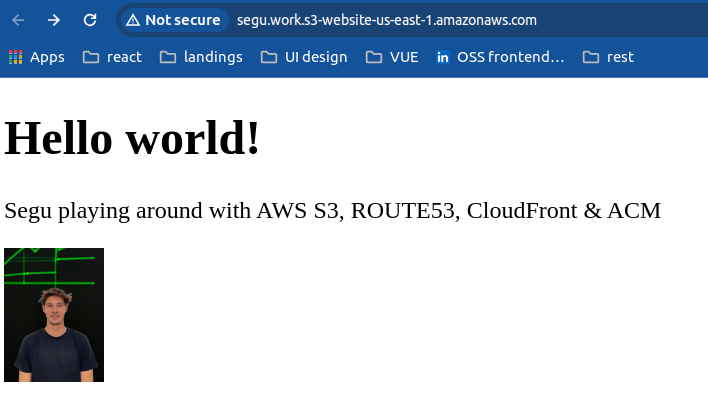
Amazon S3 (Simple Storage Service) is not only a highly scalable object storage service — it can also serve static content over HTTP. It's easy to set up and can handle large volumes of traffic.
DOMAIN
Once you've uploaded your website to an S3 bucket, you can configure your domain to point to that bucket using Route 53, AWS's DNS service.
Route 53 lets you associate your domain with AWS cloud resources, like your S3 bucket, so users can access your website using your own custom domain name.
Now we could access our site through http://xxx.example.com
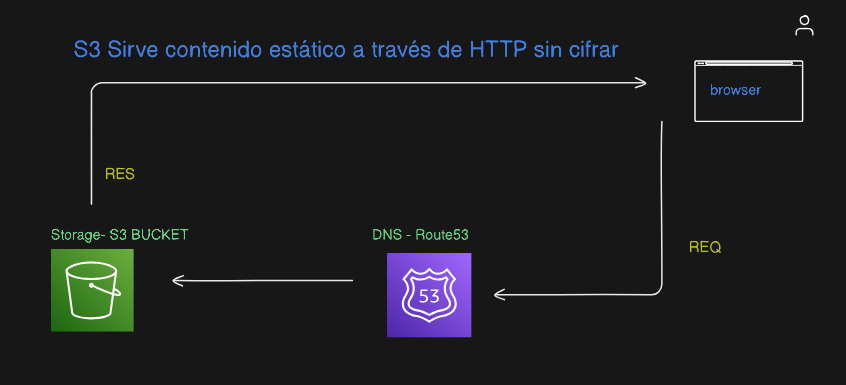
🔓️ What it doesn't have is an SSL certificate (HTTPS), so we'd lose traffic and credibility.
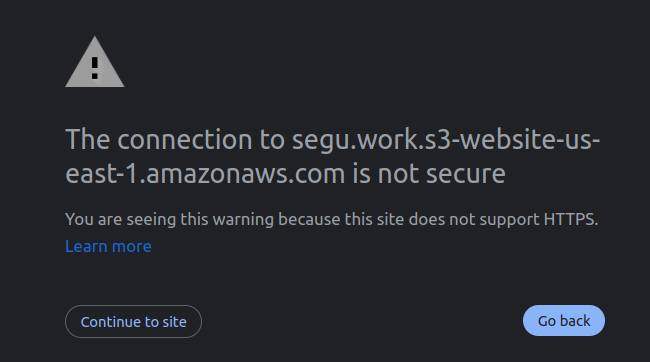
It's important to note that without HTTPS, modern browsers may show security warnings. This can make users feel insecure and reduce the credibility of your site. Additionally, search engines like Google may also penalize sites that don't use HTTPS in their search results.
🔐️ SSL Certificate
We can generate an SSL Certificate using Amazon Certificate Manager and link it with our CDN (CloudFront), which will be receiving the requests that arrive at Route 53.
Amazon Certificate Manager (ACM):
- Simplifies the SSL/TLS certificate management process
- Provides free SSL certificates
- Manages their automatic renewal
Once you've generated an SSL certificate in ACM, you can associate it with your CloudFront distribution — AWS's CDN (Content Delivery Network) service.
CloudFront receives the requests that arrive at Route 53 and distributes your website's content through a global network of servers to provide faster loading times and a better user experience.
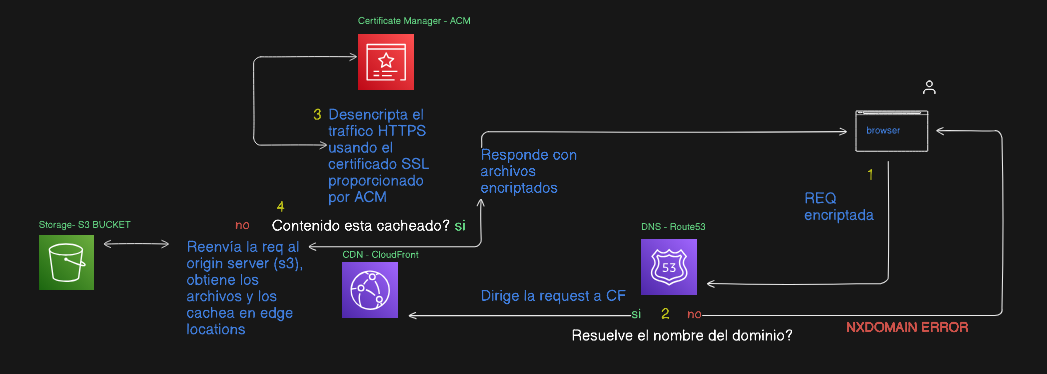
This means that now, requests arrive encrypted and CloudFront, using the certificate, can decrypt them.
When a user accesses your website through HTTPS, their browser establishes a secure connection with CloudFront using the associated SSL certificate. CloudFront can decrypt the requests using the SSL certificate and then securely deliver your website's content to the user.
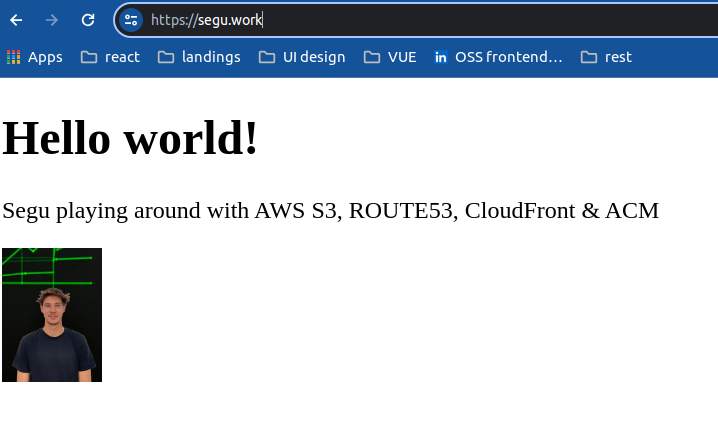
Final result: